API Documentation for Payment360
Welcome to the Payment360 API documentation! This guide is designed to help you seamlessly integrate our payment processing API into your applications. Whether you're building an e-commerce platform, a subscription service, or a custom payment solution, our API provides the tools you need to handle transactions securely and efficiently. With clear instructions, code examples, and best practices, you'll be able to implement payment processing in no time. Let's get started!
Authentication
All requests to the Payment360 API require the X-API-KEY
header, which should contain your API key. Here's an example:
X-API-KEY: Your_API_KeyAPI Endpoint
The base URL for the Payment360 API is:
Making a Payment
To make a payment, you'll send a POST request to the
/payments endpoint. The request body should include the following parameters:
email(string): Customer's email address.card_number(string): Card number without spaces.expiry_month(string): Expiry month of the card (MM).expiry_year(string): Expiry year of the card (YYYY).cvv(string): Card CVV.amount(int): Amount to be charged in the smallest unit of currency (e.g., cents).
Example Request
Here’s a JavaScript example to process a payment:
document.getElementById('paymentForm').addEventListener('submit', async (event) => {
    event.preventDefault();
    const apiKey = 'Your_API_Key';
    const paymentData = {
        email: document.getElementById('email').value,
        card_number: document.getElementById('cardNumber').value.replace(/\s+/g, ''),
        expiry_month: document.getElementById('expiryMonth').value,
        expiry_year: document.getElementById('expiryYear').value,
        cvv: document.getElementById('cvv').value,
        amount: parseInt(document.getElementById('amount').value, 10)
    };
    try {
        const response = await fetch('https://payment360.co.za/api/payments', {
            method: 'POST',
            headers: { 'X-API-KEY': apiKey, 'Content-Type': 'application/json' },
            body: JSON.stringify(paymentData)
        });
        const result = await response.json();
        if (result.success) {
            alert('Payment successful!');
        } else {
            alert('Payment failed: ' + result.message);
        }
    } catch (error) {
        alert('An error occurred. Check the console for details.');
    }
});
Response Handling
The API will respond with a JSON object that contains the result of the payment attempt.
{
    "success": true,
    "message": "Payment successful",
    "transaction_id": "1234567890"
}
Error Handling
If an error occurs, ensure to handle errors gracefully by checking the response status and message. For example:
if (!response.ok) {
    alert('Error: ' + response.statusText);
} else {
    const result = await response.json();
    if (!result.success) {
        alert('Error: ' + result.message);
    }
}
Error Codes and Responses
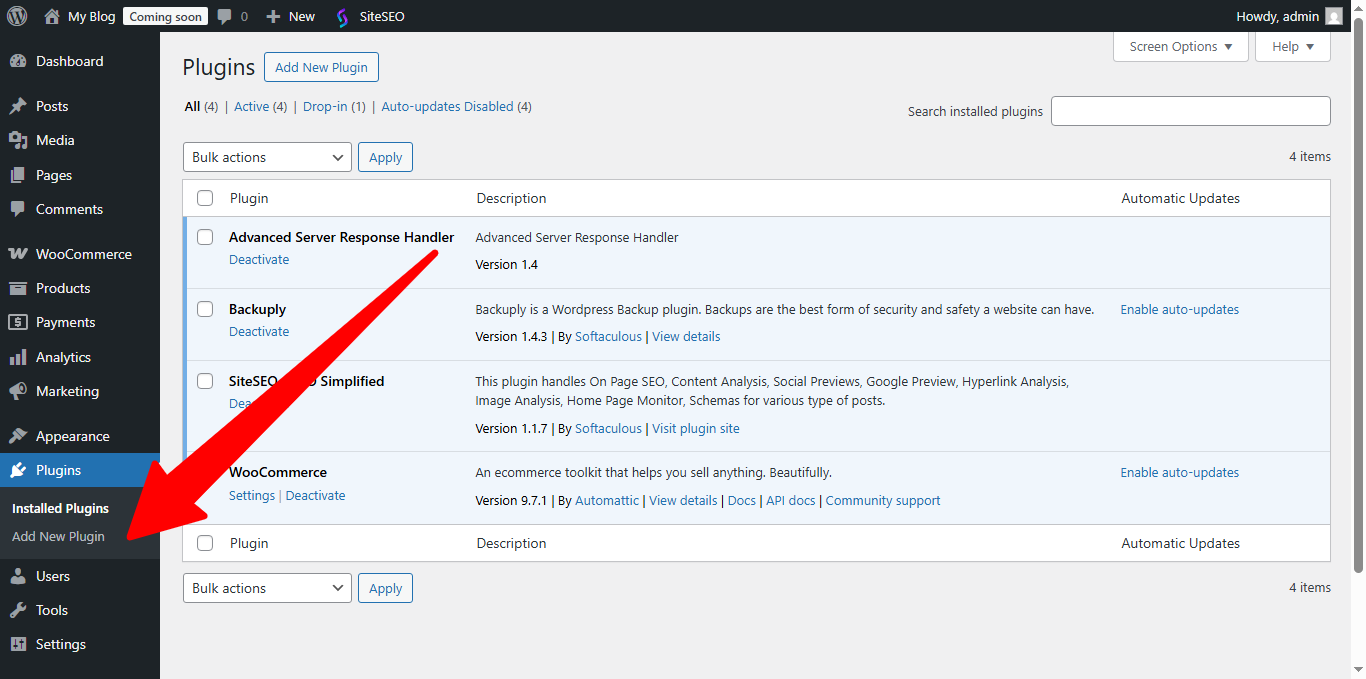
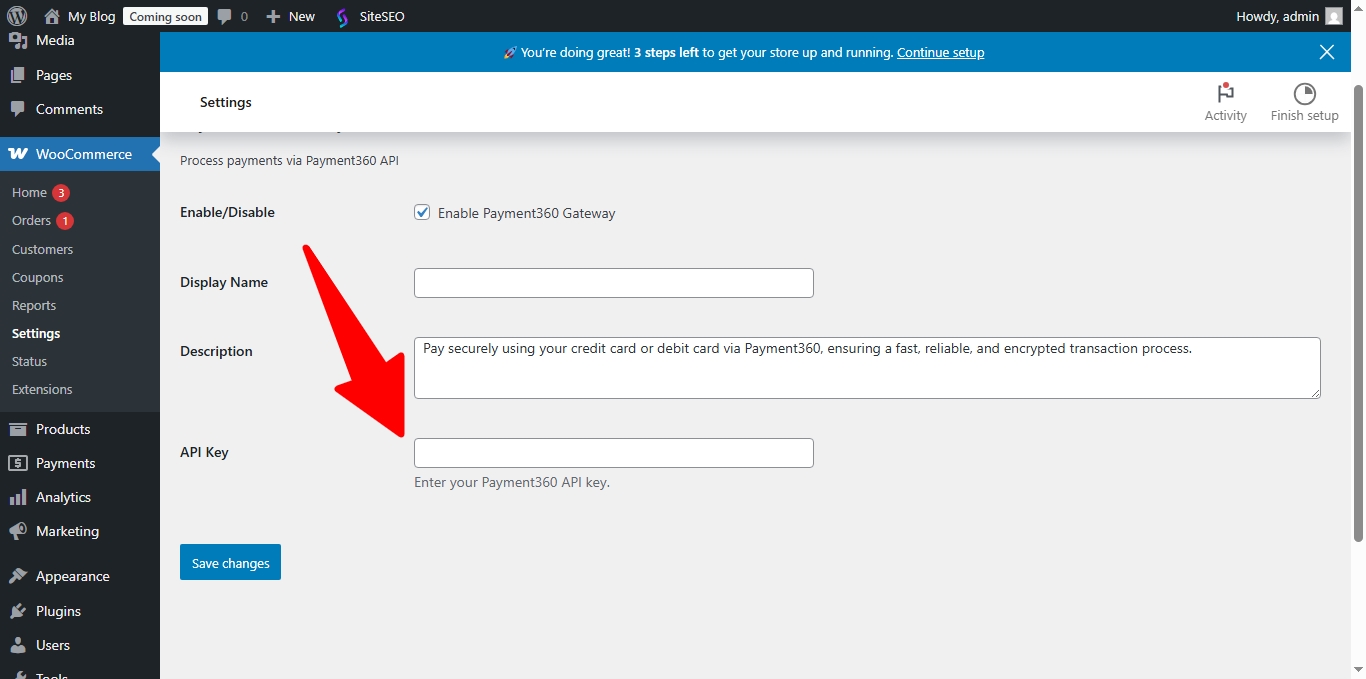
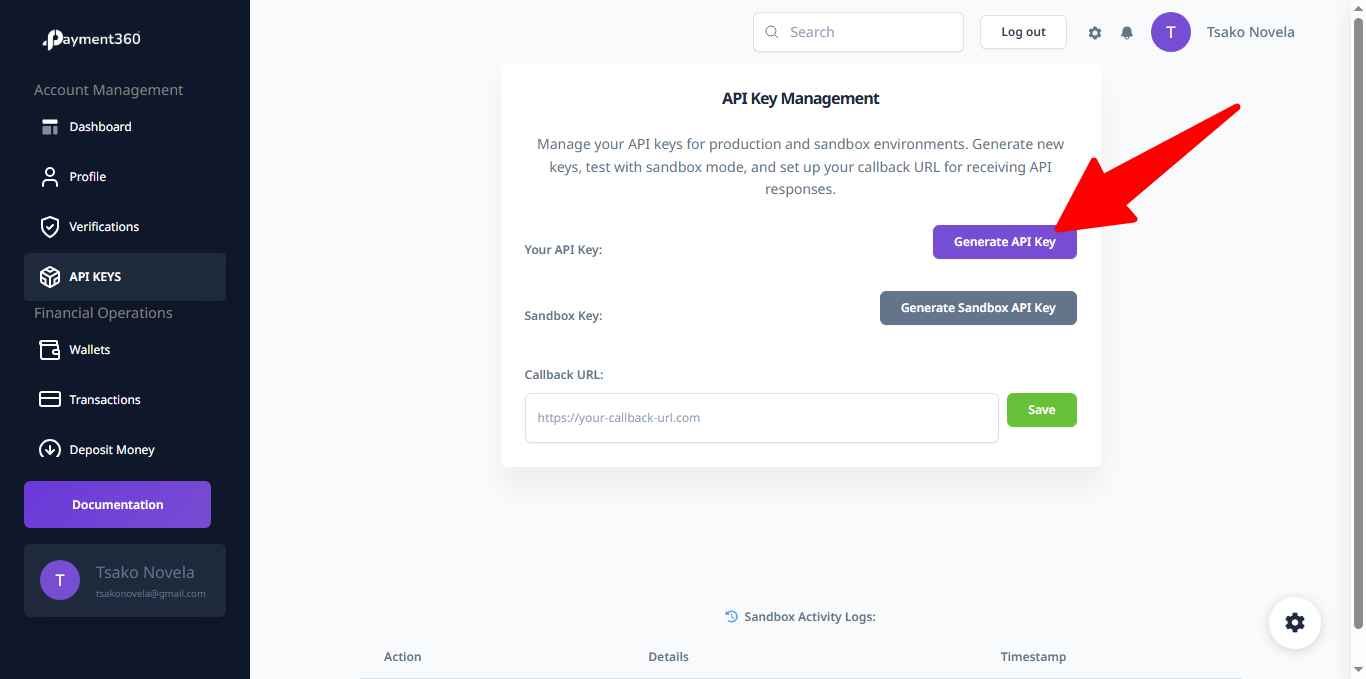
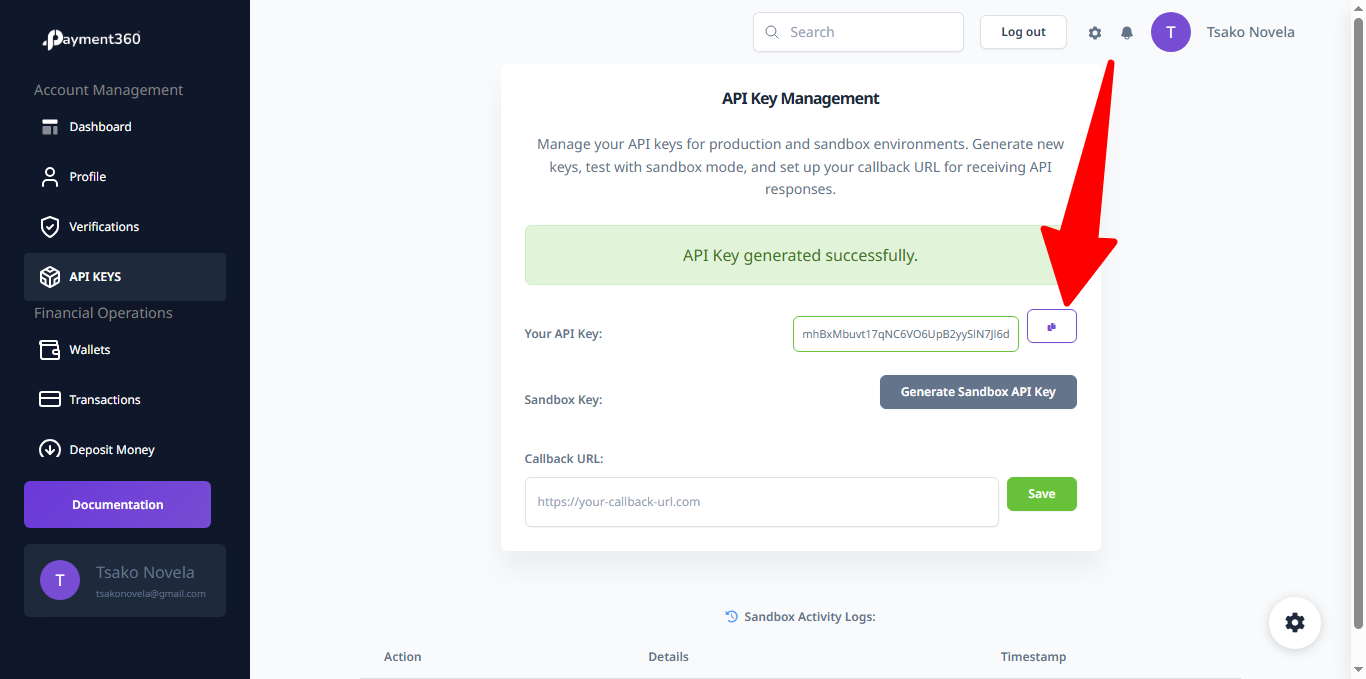
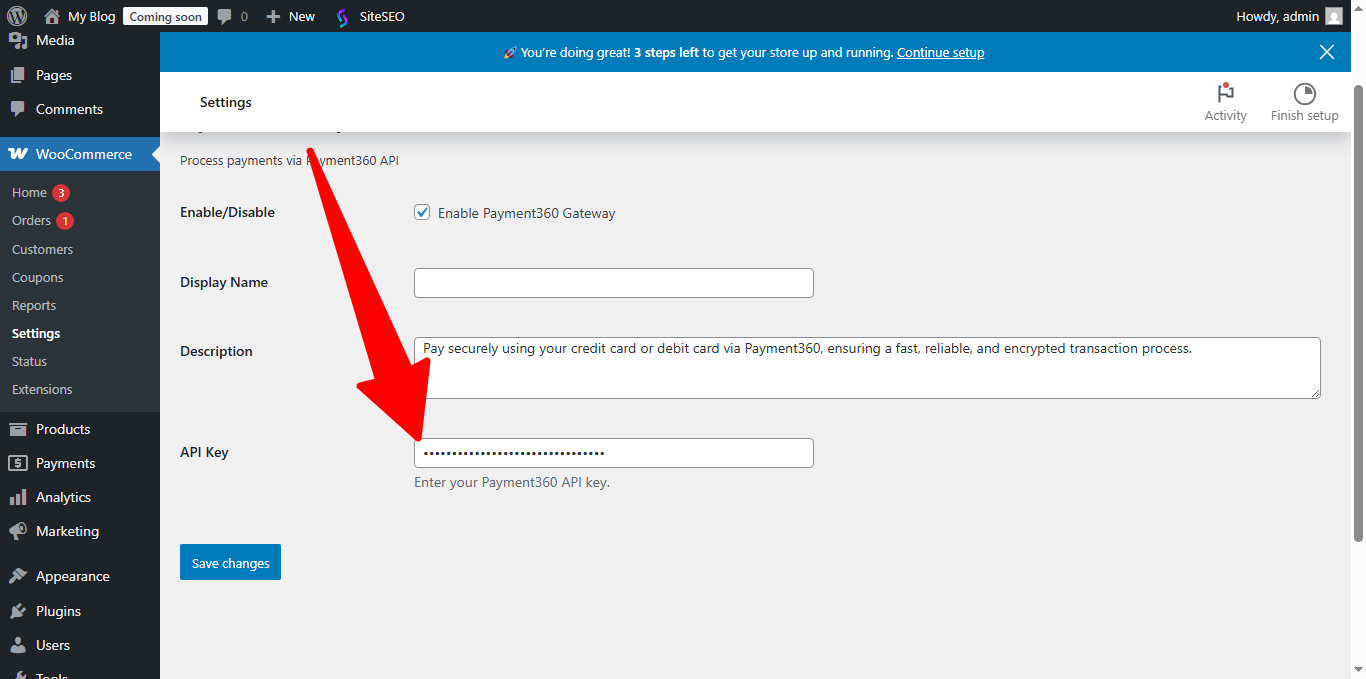
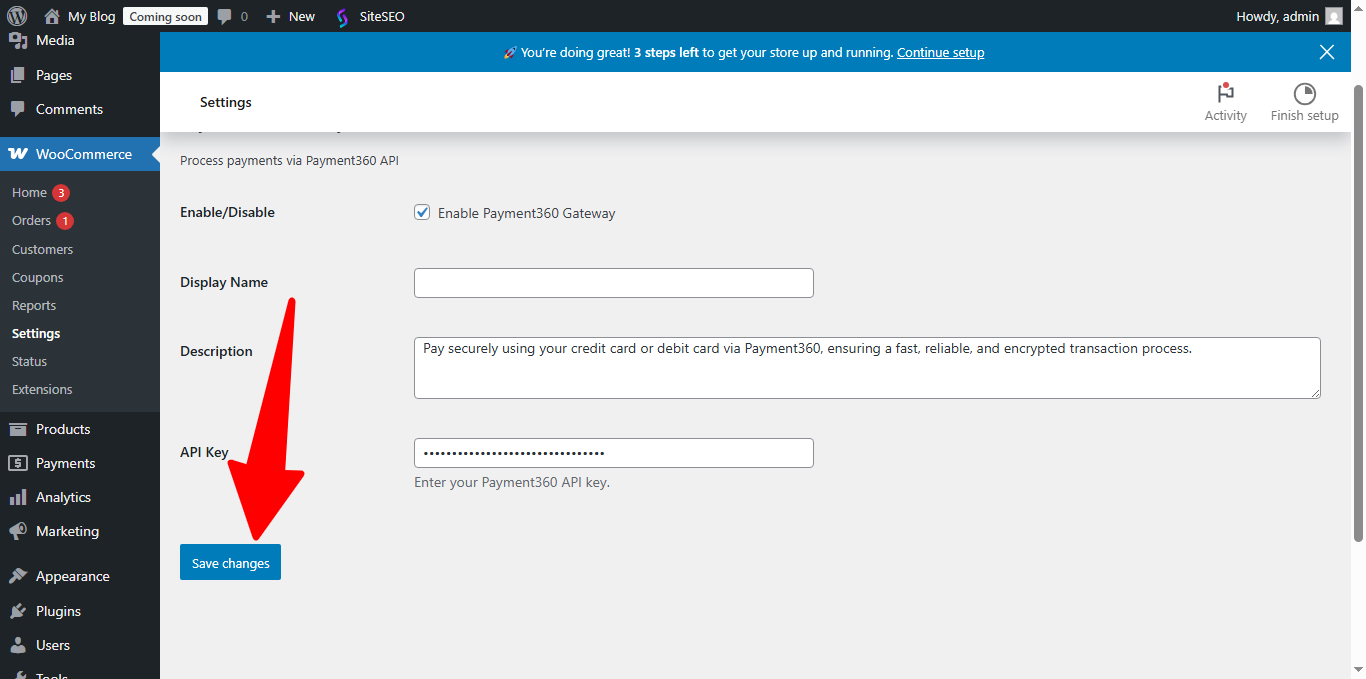
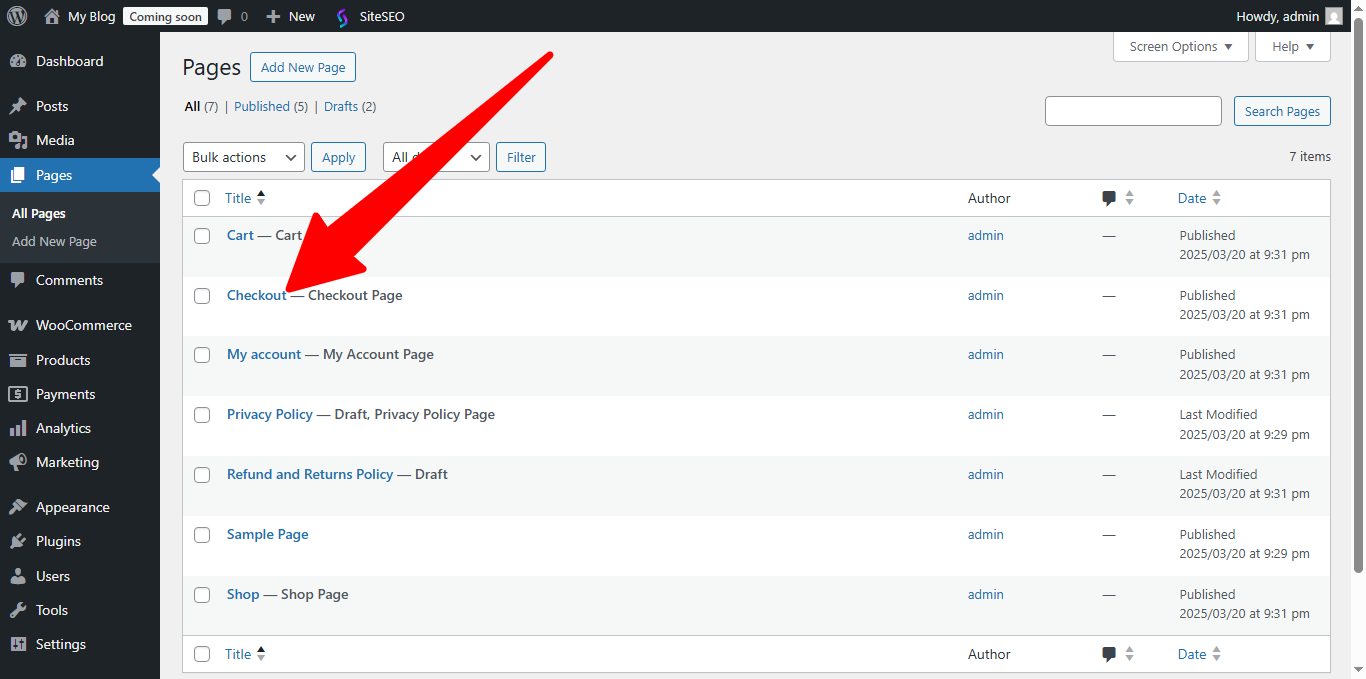
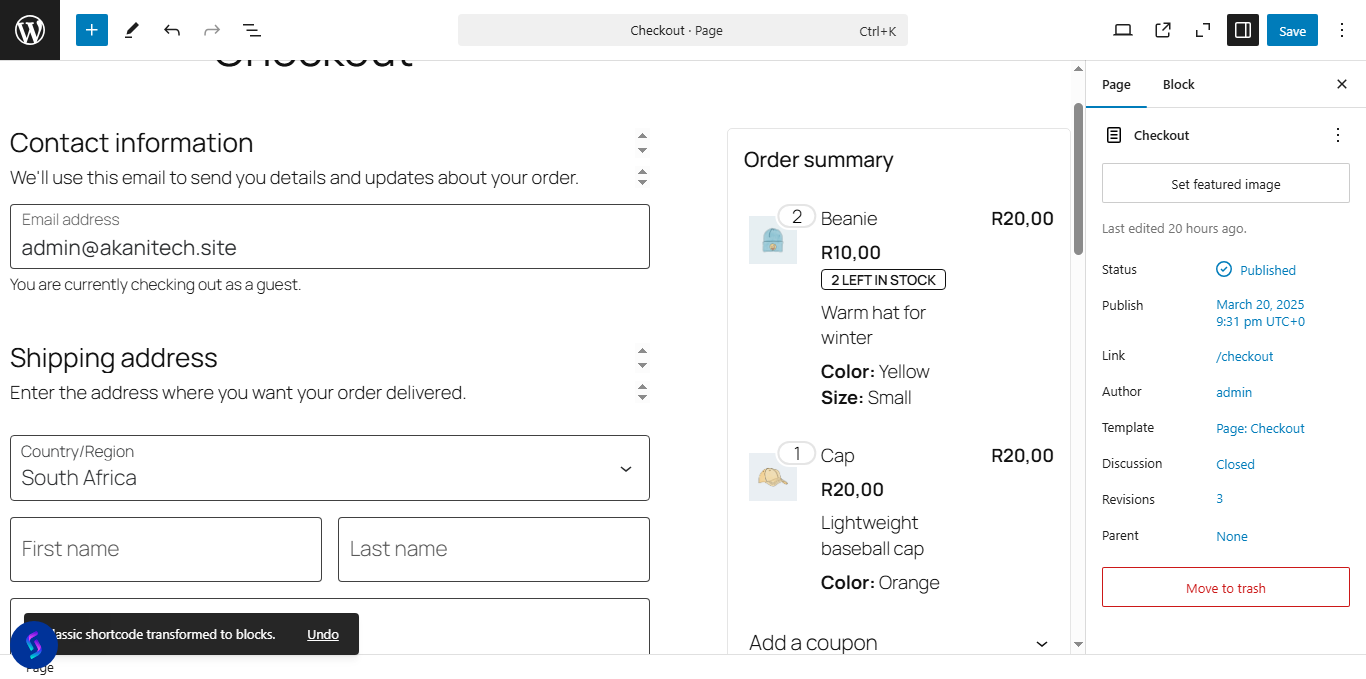
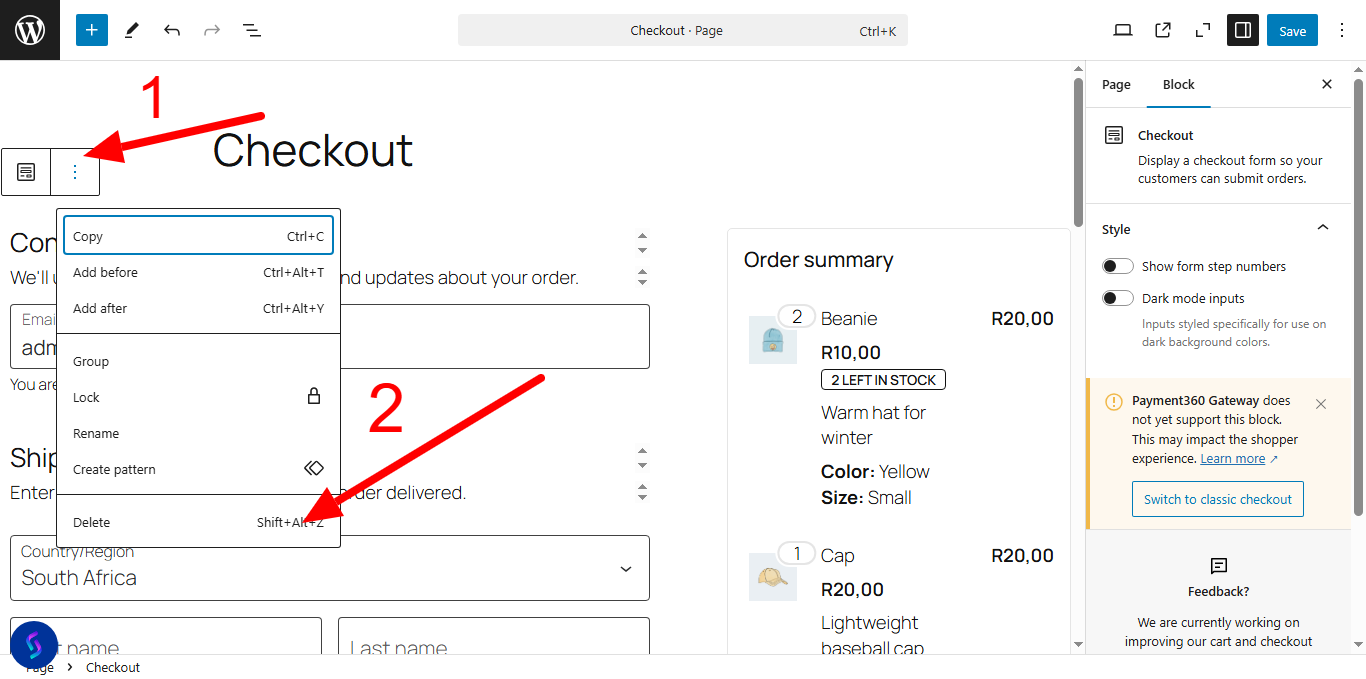
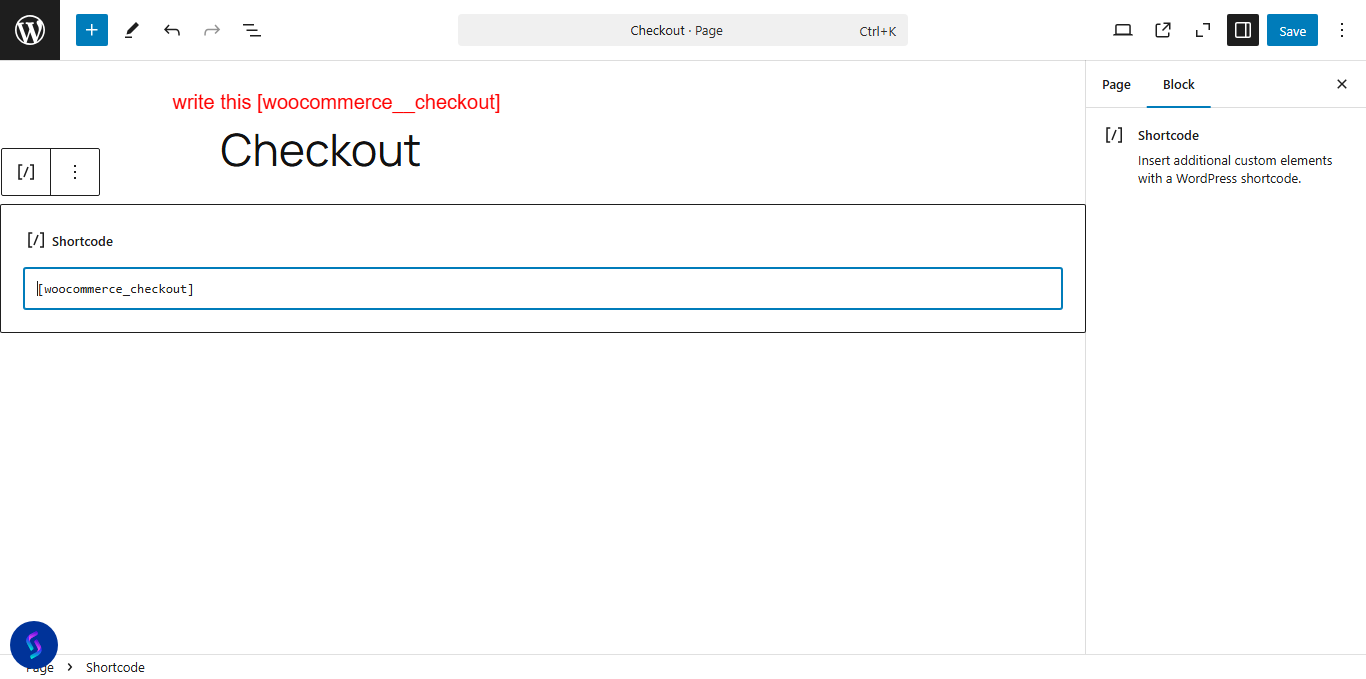
Steps to Install Payment360 Plugin